Workplace Technology & Support Studio

Smarter workspaces. Better supported.

We help teams set up, maintain, and streamline their daily office technology. From clean desk cabling and boardroom screens to reliable print stations and structured hardware refreshes, we keep your physical workspace running smoothly.

Core Focus Desks, Displays & AV
Approach Preventative & Practical
Coverage Full Device Lifecycle
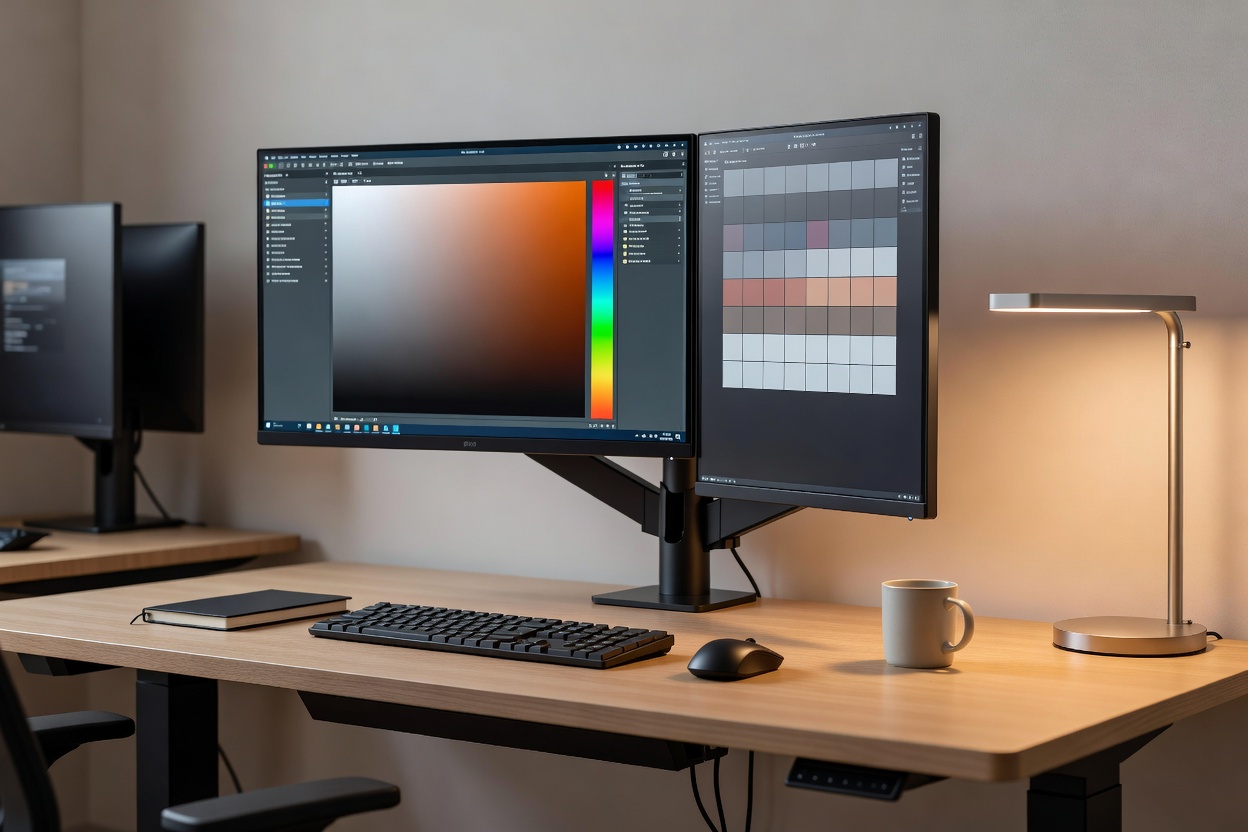
Organized modern office workstation with calibrated dual monitors, minimal cabling, and warm ambient light
Connected Office Standard Ergonomic alignment, quiet cable management, unified display routing
Systems Architecture

How your everyday office hardware connects

When hardware is organized logically, troubleshooting becomes straightforward and teams spend less time wrestling with cables and loose adapters.

01. Desk Workstations

Dual display arms, unified Thunderbolt docks, under-desk power tracks, and labeled patch drops for rapid user onboarding.

02. Meeting & AV Hubs

One-touch room consoles, soundbars with beamforming mics, optical HDMI feeds, and tidy wall-recessed breakout boxes.

03. Shared Print & Scan

Secure badge release stations, network driver rollouts, paper feeder maintenance, and scheduled consumable audits.

04. Lifecycle Continuity

Asset tag tracking, staggered hardware upgrade paths, thermal cleaning, and sustainable hardware decommissioning.

Core Capabilities

Dedicated office hardware disciplines

Clear technical care divided into five clear operational areas. No vague IT packages—just solid workplace equipment support.

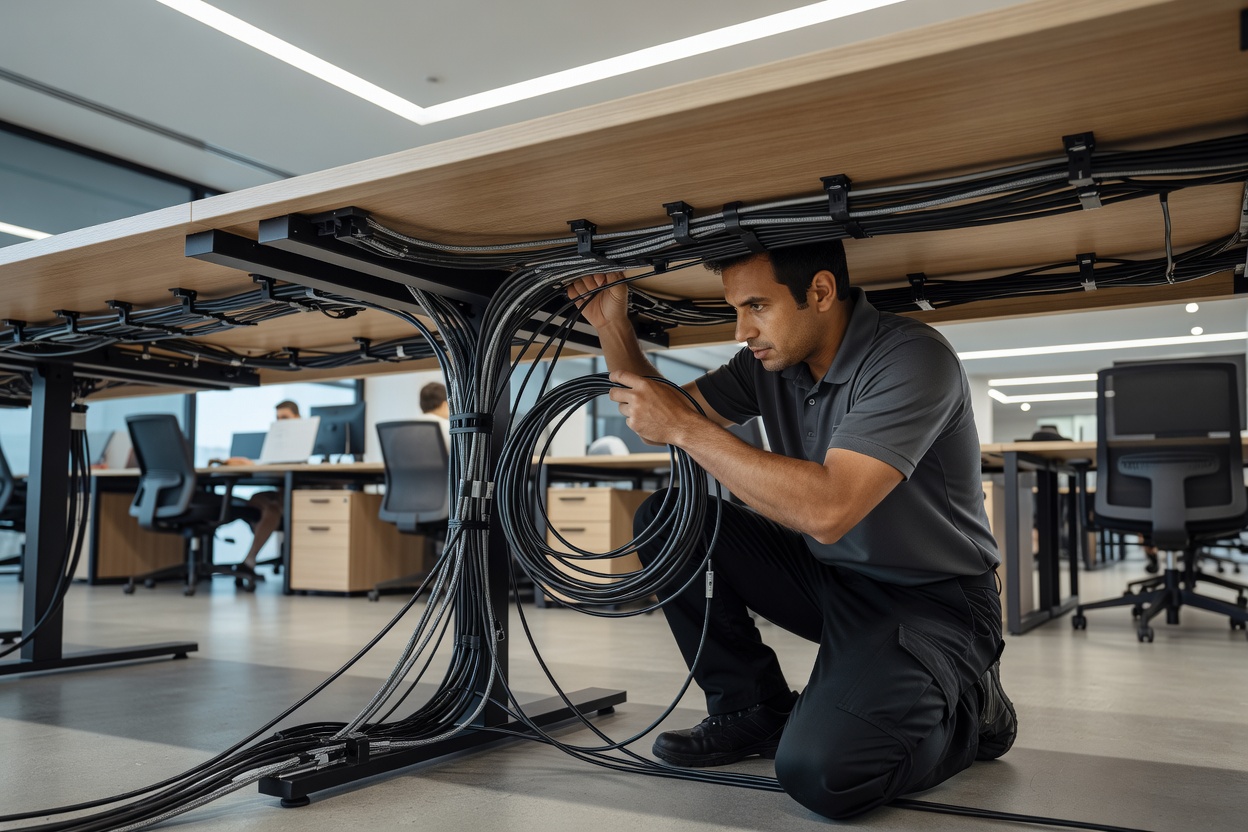
Technician neatly routing power and data lines beneath an open-plan office bench desk
Feature 01 • Deployment 01 / 05

Office Technology Installation

From unboxing new fleet machines to mounting multi-monitor arms and setting up tidy under-desk power distributions. We ensure desks are ergonomically sound, fully tested, and ready for work on day one.

Workstation Rollouts Cable Dressing Docking Stations
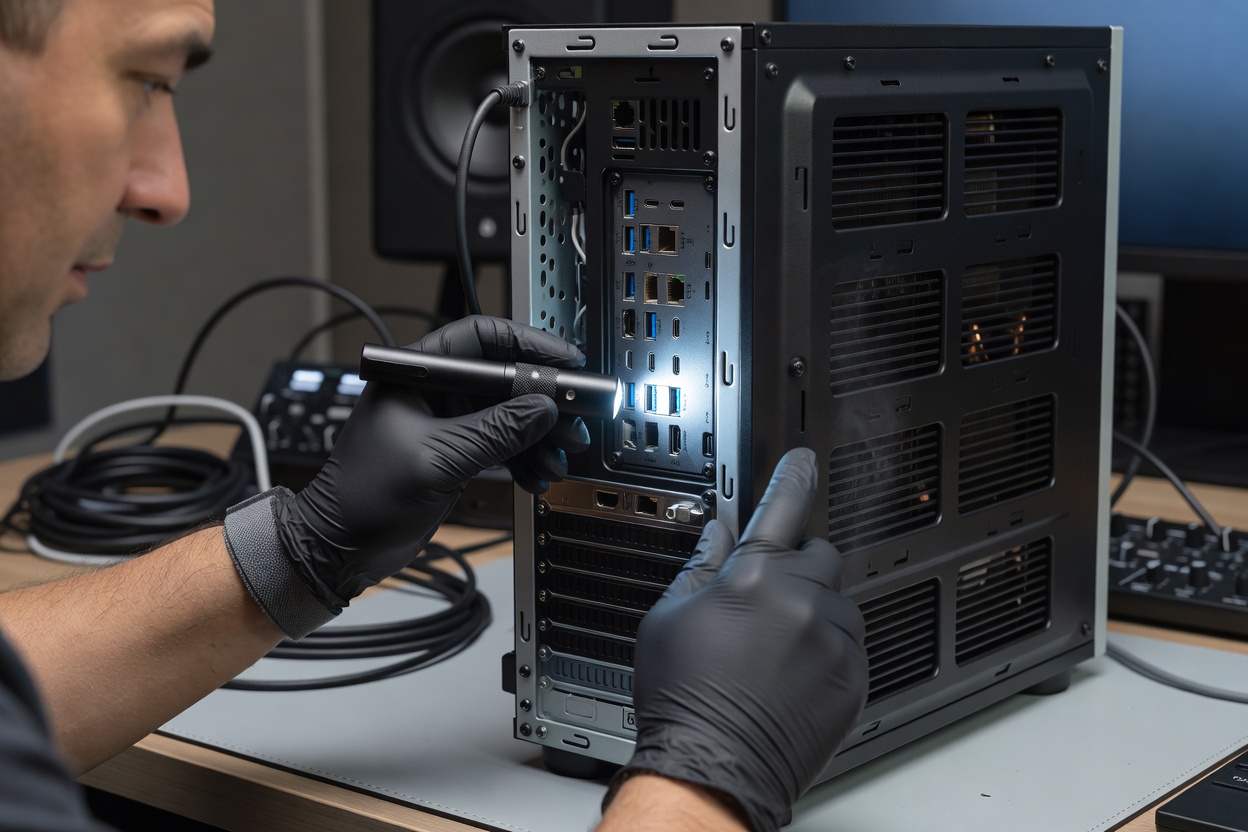
Close-up of a specialist checking peripheral ports, firmware versions, and thermal vents on a studio computer
Feature 02 • Preventative & Fix 02 / 05

Device Maintenance & Support

Regular physical servicing, port cleaning, firmware upkeep, and quick turnaround troubleshooting for troublesome displays, wireless accessories, and local hardware faults.

Thermal Care Peripheral Diagnostics Routine Inspections
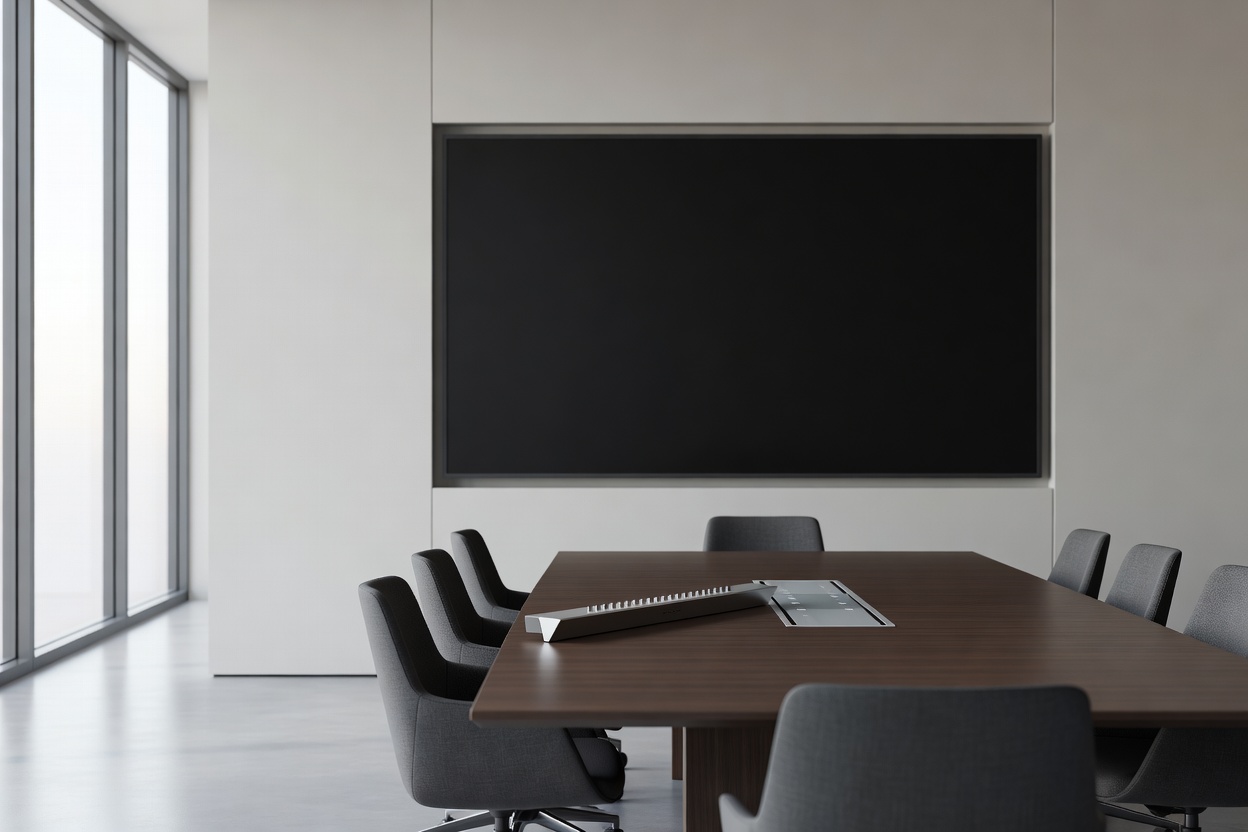
Modern corporate conference room with wall-mounted display, beamforming microphone bar, and table touch controller
Feature 03 • Collaboration AV 03 / 05

Meeting Room Technology

Friction-free video conferencing setups. We configure wall screens, wide-angle optics, table microphone arrays, and wireless casting hubs so hybrid meetings start without technical delays.

Conference Displays Microphone Arrays Touch Controllers
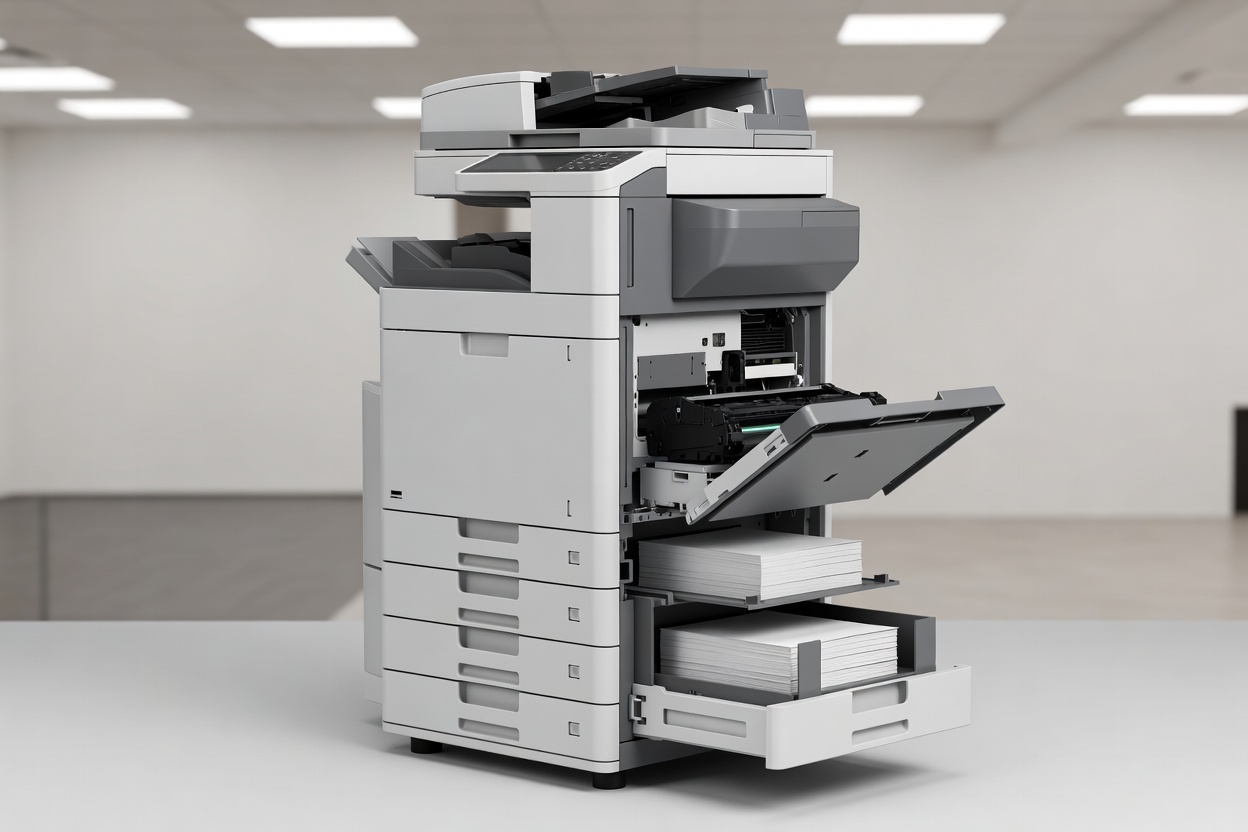
Floor-standing commercial multifunction office printer with organized paper drawers and clear maintenance access
Feature 04 • Imaging & Scanning 04 / 05

Print & Document Systems

Keep multifunction copiers, desktop label printers, and document scanners properly networked and jam-free. We calibrate scan-to-folder destinations, queue drivers, and maintenance schedules.

Network Printing Scan Workflows Roller Maintenance
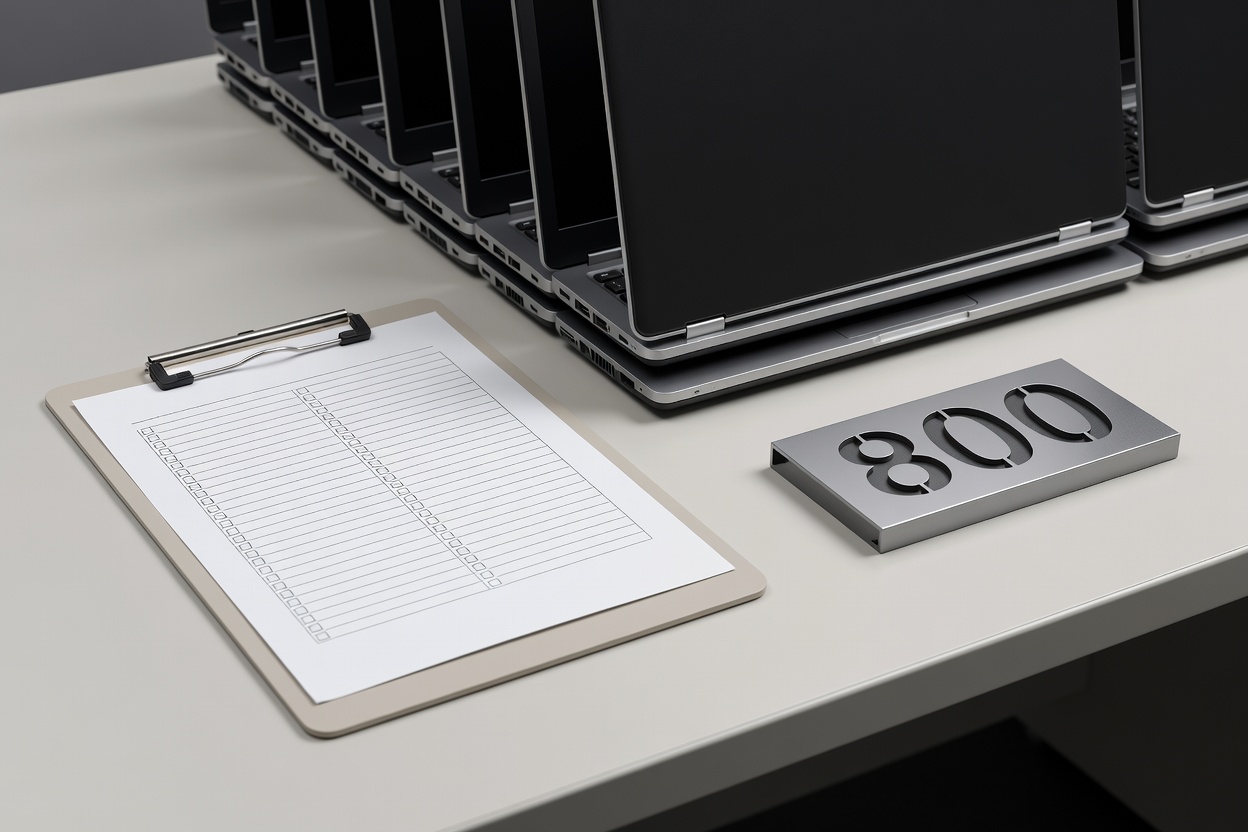
Asset audit checklist clipboard resting beside neatly organized laptop inventory ready for planned replacement cycles
Feature 05 • Asset Strategy 05 / 05

Technology Lifecycle Planning

Avoid sudden hardware failures and budget surprises. We help offices audit existing device health, map out rolling hardware replacements, and responsibly retire aging workplace electronics.

Hardware Audits Refresh Scheduling Secure Disposal

Technology is only as good as the morning it gets used.

"We have all sat in meeting rooms where the video cable was missing, or at a desk where the monitor arm drooped, or beside a printer blinking an obscure error. Office tech does not need to be overly complicated, but it does need deliberate care. When someone takes pride in tightening the brackets, labeling the patch cords, and standardizing the docks, the whole workday feels calmer."

Workplace Support Desk brightslistcapsule.pics Technology Services

Need a hand sorting out your office hardware?

Tell us what is currently causing friction across your desks, screens, or meeting spaces. We will help you build a clear, sensible plan.