Why Print Technology Still Demands Physical Precision
Even in an era of digital signatures and cloud documents, physical paper workflows remain vital for contracts, legal filings, packaging labels, and architectural drawings. Yet nothing causes workplace grumbling quite like a printer that constantly pulls multiple sheets at once, streaks black lines across confidential invoices, or loses its network IP address every time the power fluctuates.
Unlike purely solid-state computers, printers are electro-mechanical machines full of precision rubber rollers, laser optics, high-voltage transfer belts, and heated fuser units. They require regular physical care, clean paper storage, and correctly configured print queues to deliver crisp, dependable output day in and day out.
Desktop Inkjets vs. Central Multifunction Units
Small Desktop Printers: Useful for private executive offices or specialized shipping label stations. High cost per page, smaller toner capacity, and direct USB or local Wi-Fi connectivity.
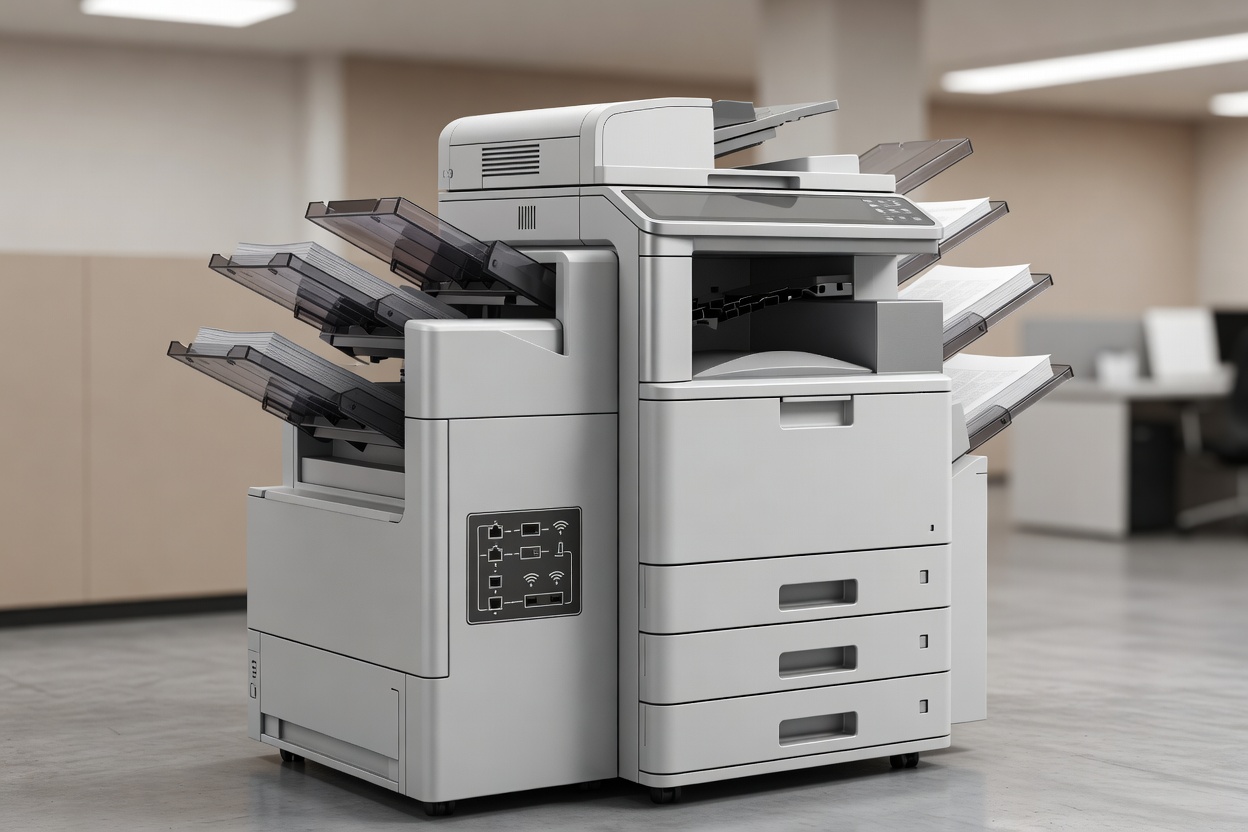
Floor-Standing Multifunction Copiers (MFPs): Shared workhorses for entire departments. Feature high-speed duplex scanning, secure badge release, automated stapling, and high-capacity paper cassettes.
Key Disciplines in Office Print Management
A healthy print setup balances physical mechanical care with streamlined software connectivity across all operating systems:
1. Paper Path Cleaning and Roller Conditioning
Over months of use, paper dust from cheap reams coats the rubber pickup rollers, causing them to slip and misfeed. We perform scheduled roller cleaning using rubber-rejuvenating compounds to restore the microscopic grip required for smooth single-sheet feeds.
2. Network Print Queues & Driver Standardization
Installing mismatched printer drivers on employee laptops often leads to garbled postscript output, missing duplex settings, or endless spinning print spools. We configure standardized universal drivers and setup centralized print queues that automatically route jobs to available units.
3. Scan-to-Email & Cloud Repository Routing
Scanning stacks of invoices or receipts shouldn't require manual USB flash drives. We calibrate high-speed automatic document feeders (ADFs) to send searchable OCR PDFs directly to designated departmental cloud folders or email recipients at the push of a single pre-programmed button.
Best Suited For
- Offices looking to consolidate scattered desktop printers
- Teams requiring secure pull-printing for confidential data
- Firms needing automated multi-page scan-to-folder workflows
- Eliminating recurring paper misfeeds and toner leaks
What to Know
- Paper stored in damp rooms absorbs moisture, causing frequent curling
- Third-party toner cartridges can leak powder onto optical lasers
- Secure badge release prevents sensitive documents sitting in output trays
- Fixed static IP reservations prevent printer disconnection drops
Printer Maintenance & Troubleshooting Guide
We follow a clear diagnostic path whenever inspecting or troubleshooting office document hardware:
| Symptom | Probable Mechanical Cause | Resolution Technique |
|---|---|---|
| Paper Accordion Jam | Worn fuser stripper fingers or damp paper curling | Clean fuser assembly; replace paper stock with fresh dry reams |
| Vertical Black Streaks | Scratched drum cylinder or dirty scanner slit glass | Clean scanner optical glass; swap depleted imaging drum unit |
| Multiple Sheet Feed | Glazed separation pad or worn pickup friction rubber | Clean and recondition separation pad; replace worn rollers |
| Printer 'Offline' Error | DHCP address renewal conflict or stalled print spooler | Assign static IP; clear Windows/macOS local queue spools |
| Faded Grey Typography | Low toner density or worn transfer belt charge roller | Replace OEM toner; calibrate optical transfer bias voltage |
Sensible Consumable Management
Running out of toner during an urgent tender submission creates panic. We help office managers establish minimal on-hand stock buffers (one backup black cartridge and one color set per active machine) so that replacements can be slotted in within seconds, without hoarding expensive toner boxes that might expire.
Need to organize your office print setup?
We can help configure seamless scan destinations, stabilize network drivers, and service your paper feed mechanisms.
Get Print Support