The First Five Minutes of Every Meeting
We have all witnessed the awkward start to an important client call: five people standing around a conference table while someone switches HDMI inputs on the TV remote, tries to figure out why the audio is coming from a laptop speaker, and crawls under the table to replug an Ethernet dongle. Those lost five to ten minutes kill meeting momentum and create unnecessary frustration.
Great meeting room technology is not about installing overly intricate control panels with hundreds of buttons. It is about reducing the interface to the simplest possible interaction: walk in, tap "Join" or plug in a single USB-C cord, and have the display, wide-angle lens, and ceiling microphone array engage instantly.
Huddle Pods vs. Boardroom Conference Spaces
Small Huddle Rooms (2–5 People): Wide-angle (110°–120°) all-in-one soundbars mounted directly beneath a 55-inch display. Table surface requires minimal footprint—just one retractable USB-C tether.
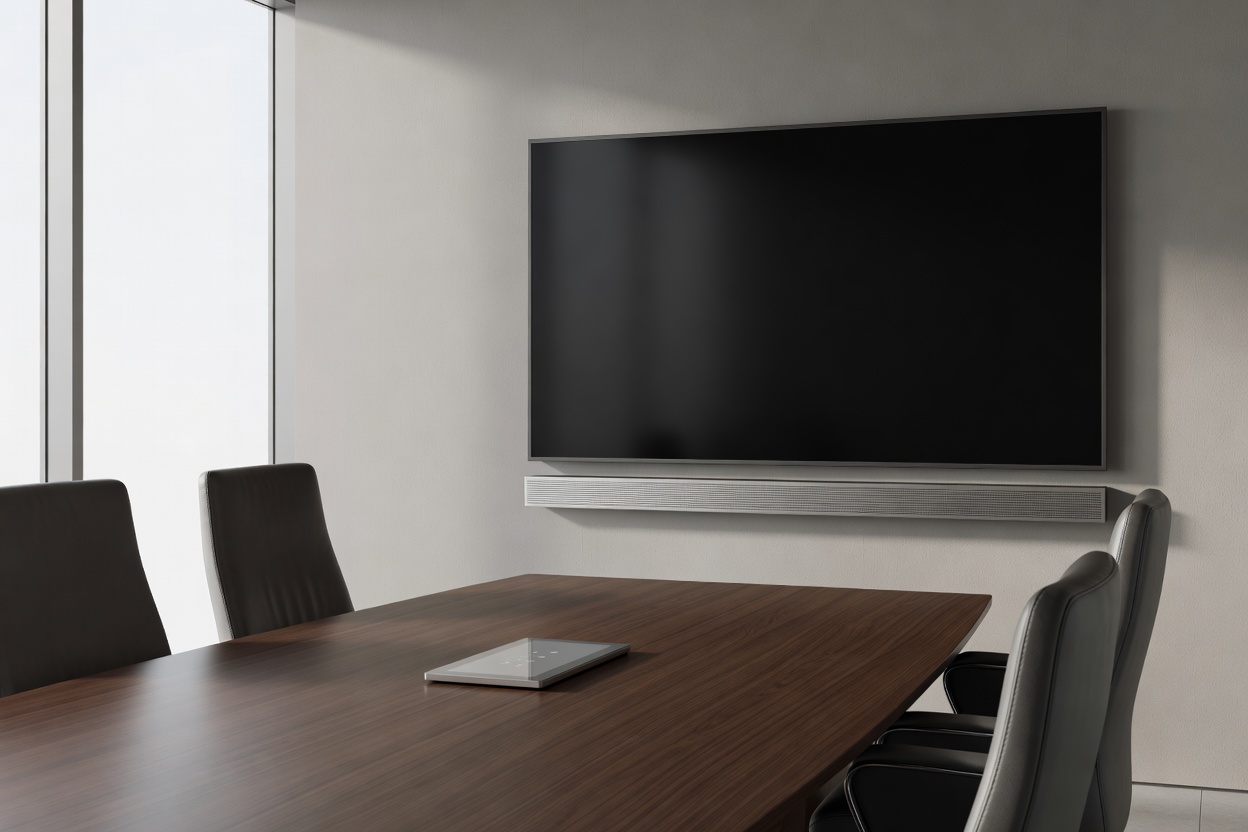
Large Boardrooms (8–20 People): Dual 75-inch or 85-inch commercial displays, motorized optical PTZ cameras, distributed beamforming ceiling microphones, and dedicated tabletop touch control interfaces.
Key Hardware Components for Flawless Collaboration
To achieve reliable, repeatable meeting experiences, every layer of the AV setup must be tailored to the acoustic and optical characteristics of the room:
1. Commercial Displays vs. Consumer Televisions
Consumer TVs feature glossy glass panels that reflect bright office lighting, aggressive sleep modes that turn off unexpectedly, and fragile HDMI ports. We specify commercial-grade displays designed with anti-glare matte treatments, automatic CEC signal wake on cable connection, and 16/7 or 24/7 internal power supplies that handle continuous daily operation without image burn-in.
2. Acoustic Balancing & Beamforming Mics
Modern glass office walls create harsh acoustic reflections that make voices sound hollow or echoey to remote listeners. While acoustic wall panels help dampen sound, beamforming microphone arrays actively isolate the speaker’s voice while suppressing background keyboard clicking and HVAC rumble.
3. Table Well Cable Management & Retractors
Cables draped across meeting tables look messy and get damaged when chairs roll over them. Installing architectural table grommets with spring-loaded cable retractors keeps connectors neatly stored when not in use. When pulled out, they extend smoothly and retract with a gentle tug.
Best Suited For
- Hybrid teams collaborating frequently with remote clients
- Rooms requiring effortless one-touch meeting starts
- Eliminating loose, confusing remote controls from tables
- Clear acoustic voice pickup across long conference tables
What to Know
- Glass conference walls require careful mic sensitivity tuning
- Optical USB/HDMI runs are needed for distances over 5 meters
- Camera placement should sit at natural human eye level
- Table touch screens require secure PoE network drop lines
Room Readiness Commissioning Checklist
Every meeting space we configure goes through a multi-point acoustic and visual verification process:
| Element | Test Procedure | Target Standard |
|---|---|---|
| Camera Framing | Field of view test from furthest chair position | All seated participants clearly framed without fish-eye distortion |
| Microphone Gain | Quiet speaking test at room perimeter | Full intelligibility without feedback loops or echo clipping |
| Display CEC Wake | Plug laptop into tabletop connection point | Display turns on automatically and routes audio in under 3 seconds |
| Wireless Sharing | Connect guest device over local AirPlay / Miracast | Smooth 1080p presentation stream without frame drops |
| Room Instructions | Verify quick-start card on table surface | Clear 3-step guide for guests and visiting team members |
Avoiding Common Meeting Room Pitfalls
A frequent issue in renovated meeting spaces is mounting the room display too high. If attendees have to tilt their heads back to see presentations, or if the camera looks down onto people's foreheads, the room feels unnatural. We align display centers to standard seated eye height (approximately 110–120cm from finished floor level) for comfortable viewing.
Tired of meeting room AV hiccups?
We can audit your current conference rooms, assess audio reflections, and recommend clean hardware improvements.
Upgrade Your Meeting Rooms